Academy Management
Learners, programmes, batches, timetables, attendance, fees, portal access and reports.
Tell us how your business works so the demo can focus on the right mix of Academy Management, Projects, appointments, billing, CRM, storefront, reviews, inventory and team workflows.
The form is the fastest way to get a focused demo slot and plan guidance.
See the workflows that matter for your business type.
Explore Academy Management, Projects, appointments, billing, CRM and daily operations.
Discuss pricing, onboarding effort, GST billing, and setup path.
What we can cover
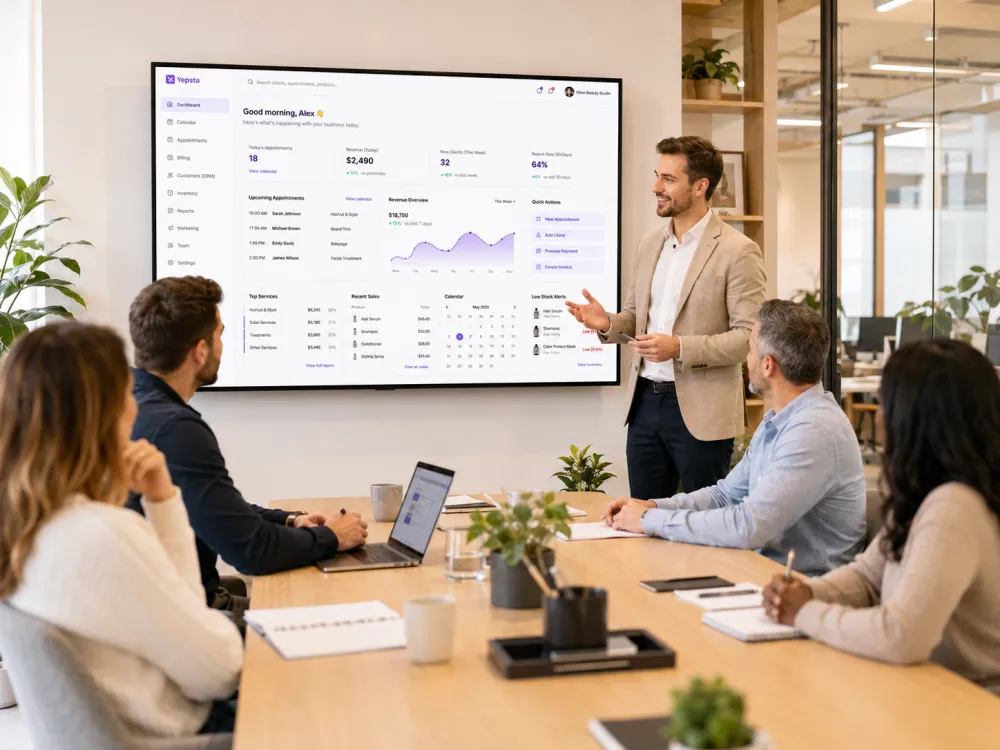
See the workflows that matter to an Academy and training-led, appointment-led, project-led or mixed business.
Learners, programmes, batches, timetables, attendance, fees, portal access and reports.
Agreements, intake, milestones, tasks, reviews, deliverables and linked billing.
Bookings, schedules, consultations, sessions, reminders and service capacity.
Invoices, sales, milestone billing, payments, taxes and counter operations.
Customer and client history, notes, packages, engagement context and follow-up.
Your Yepsta website, public profile, online catalogue and customer actions.
Inventory, reviews, reports, staff access, WhatsApp workflows and location controls.
Demo flow
The goal is not a generic pitch. It is a focused product walkthrough mapped to your service-business operations.
Best details to include
Tell us your service type, city, locations, and the workflow you want to improve.
The walkthrough focuses on the modules that match your daily operations.
Get plan guidance, setup clarity, and a practical path to start using Yepsta.
FAQ
The demo can cover Academy learners, programmes, batches, timetables, attendance, fees, portal access and reports, as well as Projects, appointments, billing/POS, CRM, storefront and other Yepsta workflows based on your business type.
No. You can use Get Started to create an account directly. A demo is useful when you want the product mapped to your current workflow.
Yes. The team can explain Starter, Growth and Pro based on location entitlement. All plans include the complete Yepsta Business OS.
Owners, managers, Academy administrators, trainers, project leads, front-desk teams or operations leads can attend. Include anyone responsible for learners, classes, client delivery, bookings, billing or branch operations.
Yes. You can use Get Started to create an account and choose a plan directly. The demo is useful when you want guidance before setup.
Prefer a direct account?